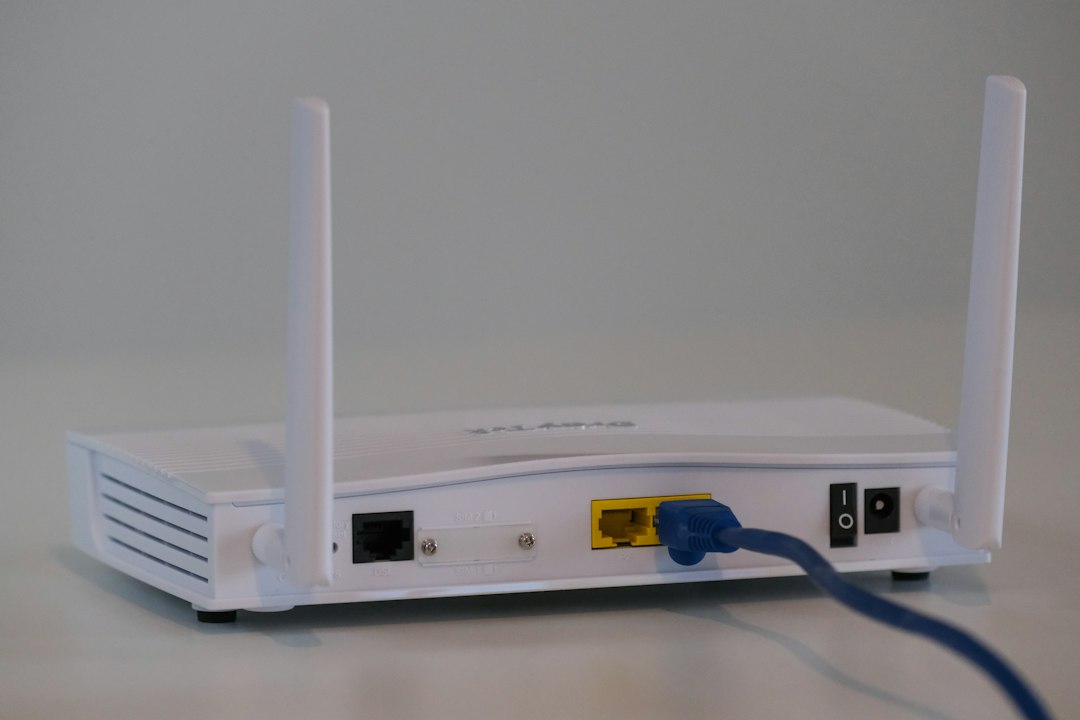

Picking the right home internet in Kenya comes down to four things: the speed you actually need, a price you can live with, how fast installation happens, and whether you're covered in your exact area. Here's how to evaluate each — and the questions worth asking before you commit.
Speed — how much do you actually need?
For most Kenyan homes, "more Mbps" isn't automatically better. It depends on how many devices connect at once and how they're used.
- Browsing, WhatsApp, video calls: 10 Mbps is plenty.
- Streaming HD on 2–3 devices: 25 Mbps comfortable.
- Working from home with video meetings: 25 Mbps works, 50 Mbps is safer if others are also online.
- Family of four with heavy streaming and gaming: 50–100 Mbps.
- Small business with multiple users: 100 Mbps or a dedicated line.
Look at what you do during peak hours — usually 7–10 pm. That's when your connection is tested, not at 11 am.
Price — what's fair in 2026
Home internet in Kenya typically runs KES 1,500–4,000 per month for residential packages. Under KES 2,000 is good value for a home line. Over KES 4,000 should justify itself with noticeably higher speed, static IP, or business-grade support.
The piece most providers don't advertise: the installation fee. At Mfire Networks it's a flat KES 2,000 one-time. Ask any provider whether the router, cabling, and setup are included in their quote, or whether those are separate charges.
Installation — what to expect
The gap between providers here is bigger than the gap on speed or price. Ask these questions before you commit:
- How soon can you install? (Mfire: within 24 hours of booking)
- Is the router included, or do I rent it?
- What's the installation fee, all-in?
- What happens if the line doesn't reach my apartment?
If any provider answers "we'll get back to you" on those, move on. The answers should be immediate.
Coverage — check before you commit
Coverage in Kenya varies block by block. The same provider may serve your neighbour's building but not yours. Before you sign anything:
- Confirm your exact estate or building is served
- Confirm they can reach your specific apartment (some buildings restrict cabling)
- Ask whether the connection can be transferred if you move
Questions to ask any ISP
- What's the real speed during peak hours, not just the advertised max?
- What happens when the internet goes down — how fast do you respond?
- Is there a contract, or can I cancel any time?
- How do I reach support — WhatsApp, phone, or email?
- What's the monthly cost with all taxes included?
The bottom line
The right internet is fast, reliable, and honest about what it costs. Mfire Networks delivers all three: unlimited data, installation in 24 hours, and a flat KES 2,000 setup fee with no hidden charges.
Ready to get connected? WhatsApp +254 758 256473 or book your installation online.

Comments (1)
We review all comments before publishing.
I agree
Leave a comment
Your email is never published. All comments are moderated.